Quick Links
With the sci-fi themes ofZenless Zone Zero, it goes without saying that high-tech elements would be incorporated into the game. From robotic Bangboos to W-Drives, the terminology and mechanics of these new devices can be hard to wrap your head around. Perhaps one of the most unique elements Zenless Zone Zero implements, however, is that of Inter-Knot - a social media website embedded into the gameplay itself.
With multiple tabs and posts to navigate, learning how Inter-Knot works is almost like learning a whole new system in itself, but it is critical to understand as it gives players access to whole new avenues of information, commissions, and rewards.
What Is Inter-Knot?
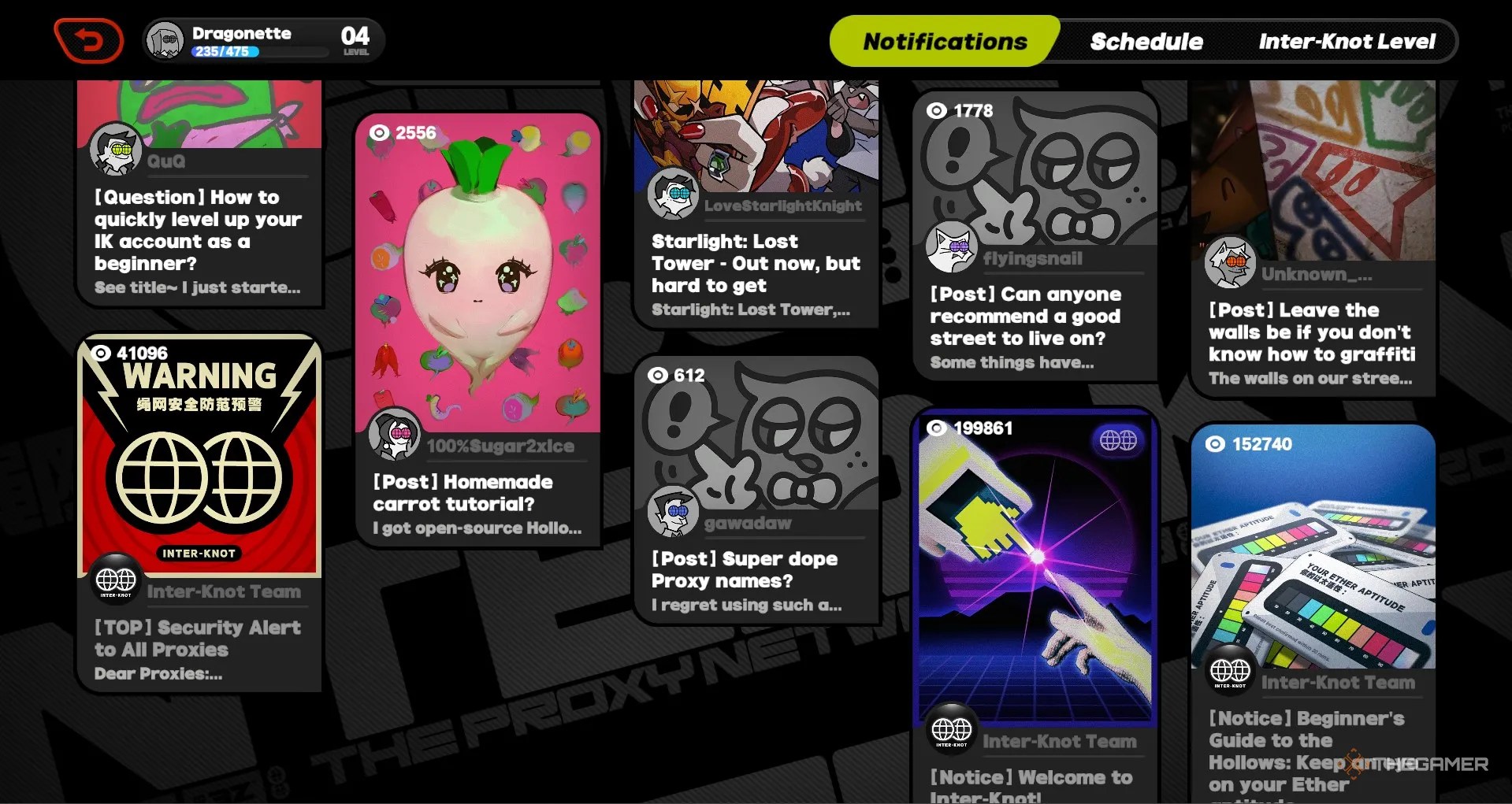
In the universe of Zenless Zone Zero, Inter-Knot is asocial media platform that Proxies use to communicate.Through the site, customers canpost job requests, and members canask questions, post new research, and share happenings in the world.
For the player, Inter-Knot is apage to accept new missions, check the status of quests, and earn rewards for leveling up. All of these functions are hidden throughout the colors and articles on the website, so learning how to navigate Inter-Knot is key.

How To Open Inter-Knot
Inter-Knot can be opened at any timewhile playing as Belle or Wisein the overworld. Simplyhit the skill buttonto open Inter-Knot. There are three tabs that will be accessible once Inter-Knot is open.
Notifications
The first page that will be open is the Notifications page. Here you canopen all of the posts and read their varying content. Many of the posts providelore about the worldin Zenless Zone Zero, while others appear to be fluff in order to add realism to the site.
The most important posts on Inter-Knot arethose with the [Commission] tag. These are postings from customers and aremissions that you can accept.

Some posts, including Commission posts, can be responded to with pre-written prompts. Simply scroll to the bottom of the post and pick the dialouge that works the best for you!
During the tutorial section of the game, you will have to use Inter-Knot to accept the Logistics Disaster commission, near the top-left corner of the page.
Schedule
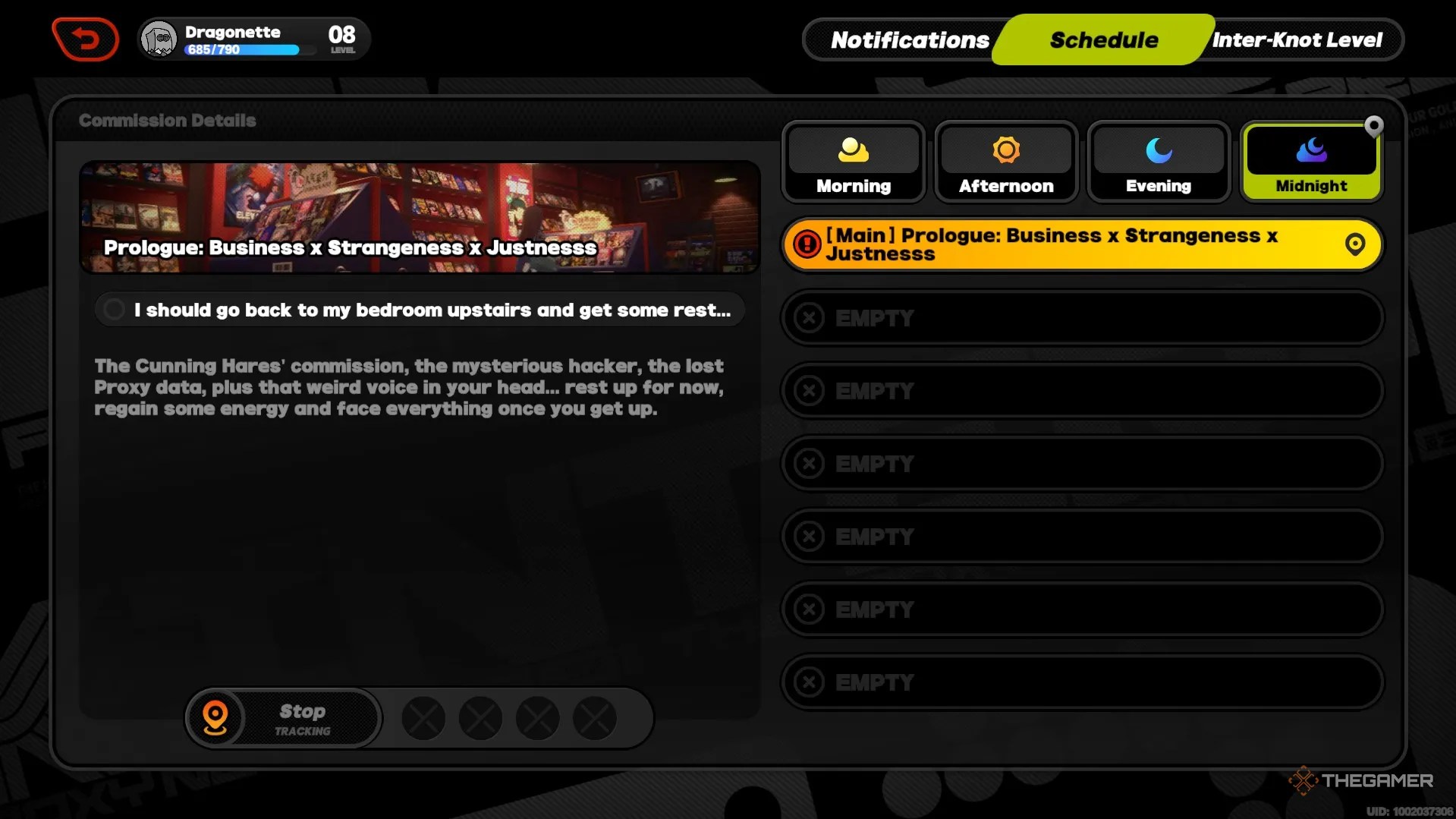
The schedule tab on Inter-Knot isprimarily used for tracking mission progress. You can use the schedule toread mission informationas well assee what missions are currently active.
The time of day is also displayed in the top right corner, which marksthe time of day during which certain missions can be completed.

Inter-Knot Level
Lastly, the Inter-Knot Level page is essentially arewards page for leveling upin the game. Whenever you level up, you canclaim rewards on the Inter-Knot Level page, and certainmilestoneswill allow you to improve your agents further.
