Quick Links
Of course, when it comes to a gacha game likeZenless Zone Zero, the most exciting part is putting all your hard work towards its reward and pulling for new characters! Especially with companies like Hoyoverse, which is infamous for its gacha games, it can be tricky to figure out all the ways to get and use those sweet, sweet character pulls.
Luckily, we’ve got you covered. From learning out how to earn Polychromes and Master Tapes to figuring out which Channel is right for you, this guide covers everything you need to know about how to earn and use Master Tapes to pull for your next S-Tier character in Zenless Zone Zero.

What Are Master Tapes?
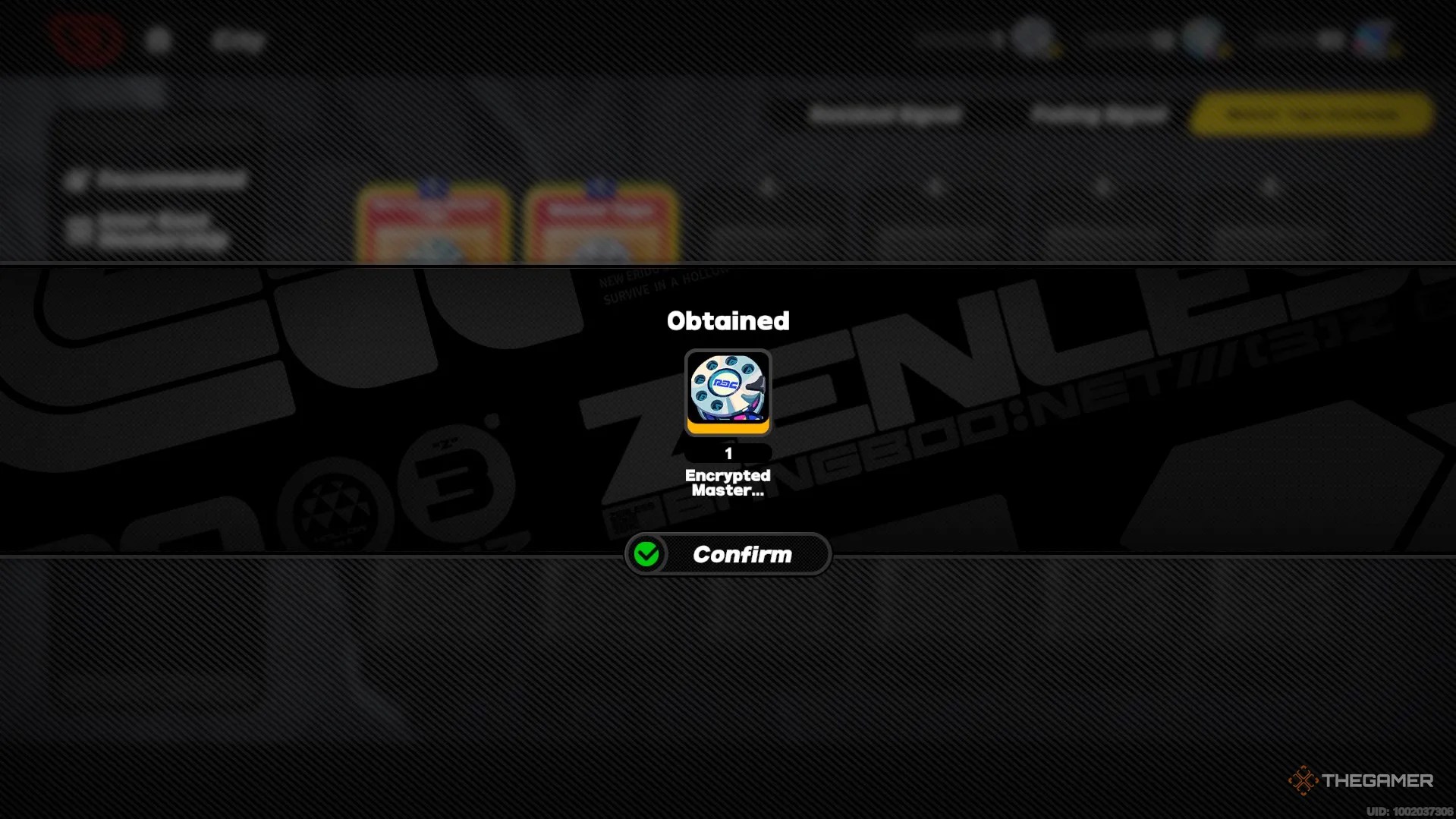
Master Tapes and their colorful counterparts, Encrypted Master Tapes, arein-game items that can be used to recruit new Agents and W-Engines.
In the game, a Master Tape can beexchanged for a single Signal Search, which is how new high-ranked Agents or W-Engines can be found. Or, at least, that’s the hope!
Not every Master Tape is guaranteed to recruit a high-ranked Agent or W-Engine- sometimes, you will instead receive a B-Tier W-Engine.
For more information about the technicalities of Signal Searches in Zenless Zone Zero,read hereto learn about how the gacha mechanics work.

How To Get Master Tapes
There are many different ways to earn Master Tapes in Zenless Zone Zero, and luckily, the majority of them are free!
Polychromes
Polychromes are theprimary way you will buy Master Tapes. Polychromes arein-game currency earned by doing quests, events, or through the shop.
Polychromes areabundant throughout the main missionsof the game, and this will be your primary source of earning Polychromes. However, Polychromes can also be obtained by:
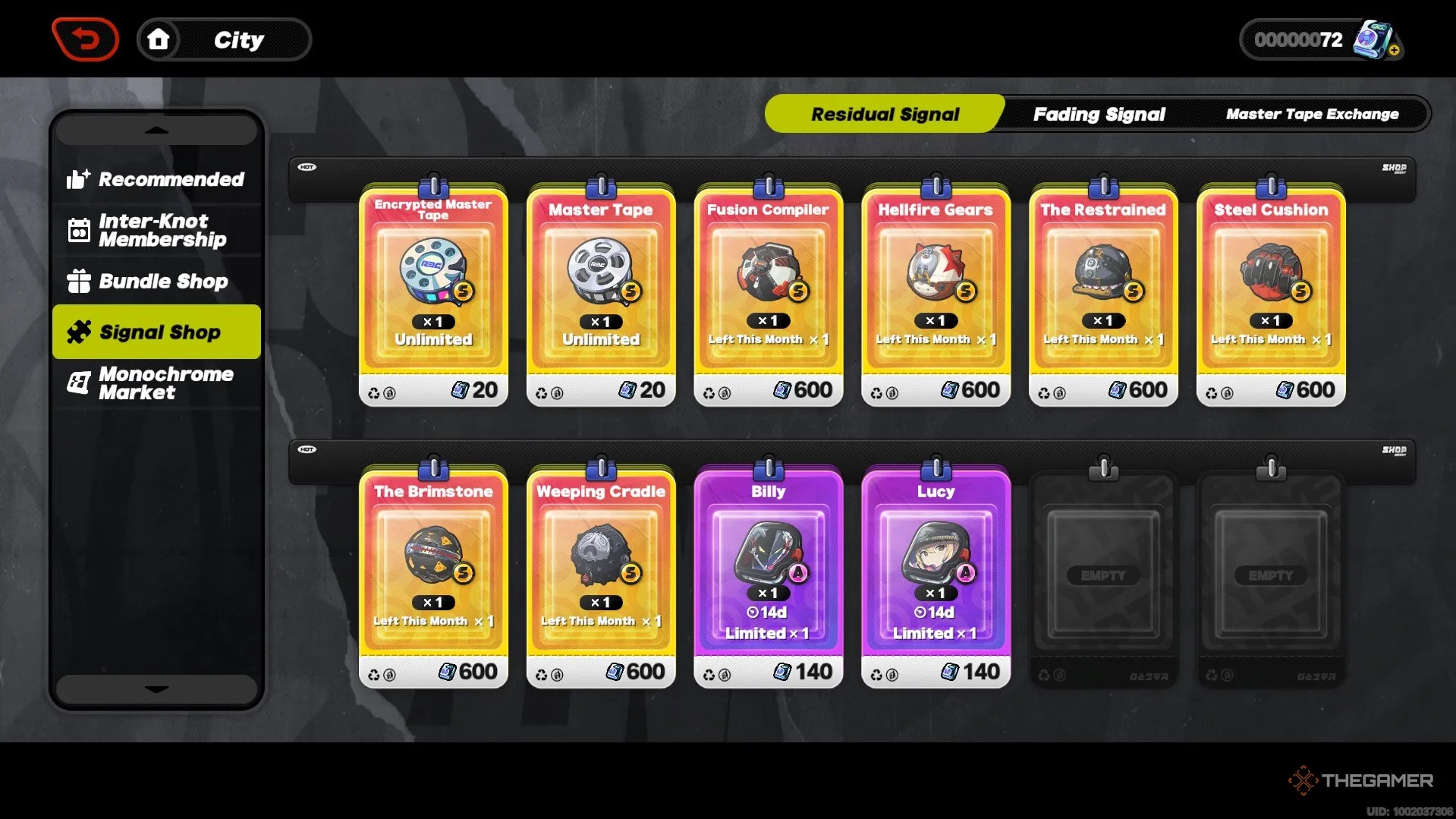
When you’vecollected 160 Polychromes, you may go to theMaster Tape Exchangeand buy a Master Tape or an Encrypted Master Tape.
We recommend using your Polychromes to buy Encrypted Master Tapes, since these are harder to come by and because they apply to Limited Channels, which expire more frequently than the Standard Channel.
Residual Signals
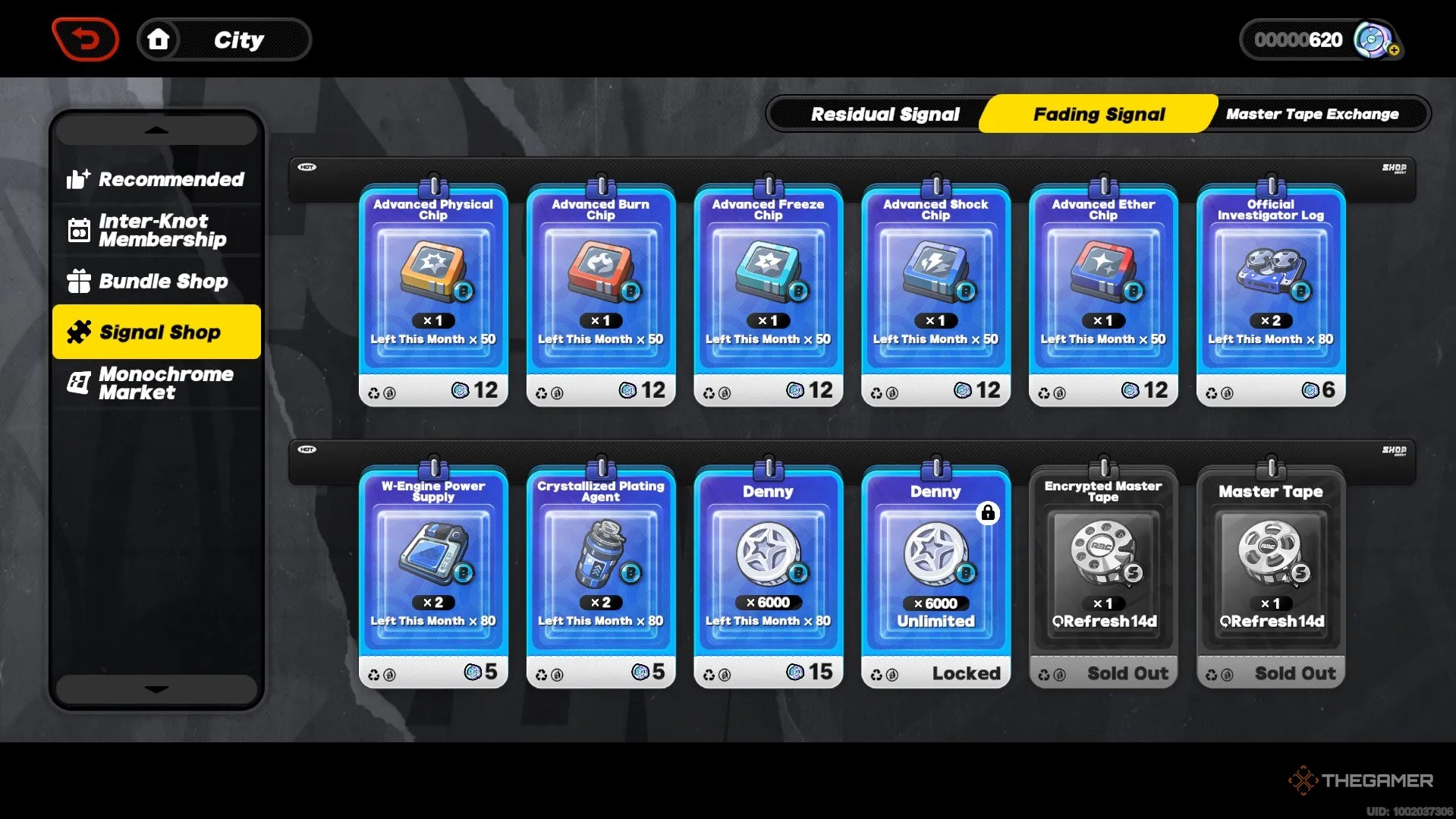
Similar to Polychromes, Residual Signals arein-game currency that can be used to purchase Master Tapes. However, Residual Signals are much rarer and can also beused to purchase W-Engines and Agents directly, so take caution when using them to buy Master Tapes.
Residual Signals are earnedwhenever you recruit an Agent you already own, as a compensation of sorts.
Fading Signals
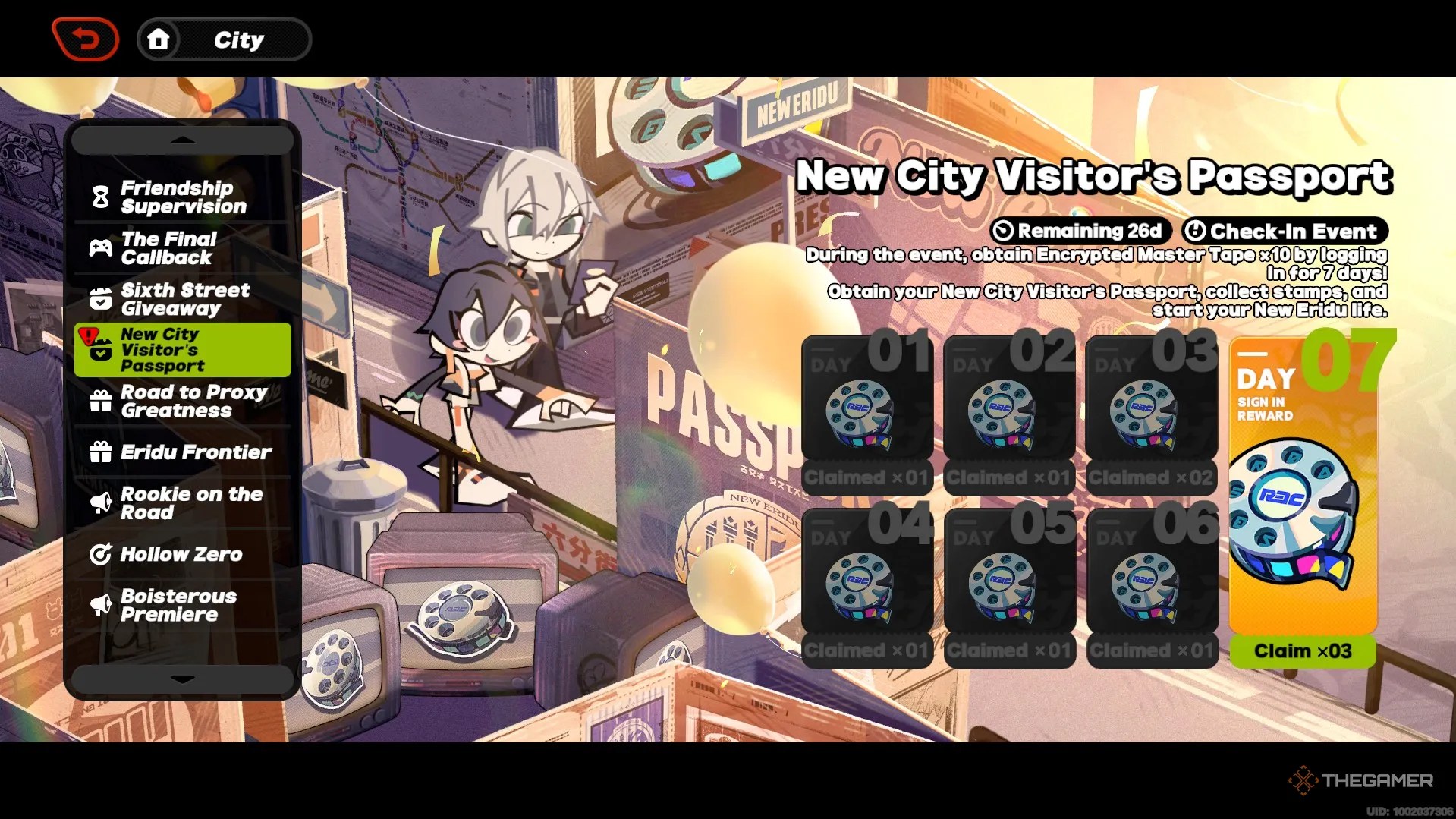
Similar to Polychromes and Residual Signals, Fading Signals arein-game currency that can be used to purchase Master Tapes. However, there is a catch - you canonly purchase five of each Master Tape a month.
Because of this, it is important tosave your Fading Signals each monthto ensure you receive your monthly Master Tapes.

Fading Signals are earnedwhenever you do a Signal Search, though the amountvaries depending on the rarity of what you pull.
Events
Although much less common, in-game events willsometimes give out Master Tapes directly, without the need to spend in-game currency.
24 Hour Store
The 24 Hour Store is an in-game page that allows you tospend real-world money for in-game rewards. There are several options here for purchasing in-game currency and Signal Searches.
A great way to earn Polychromes daily is by purchasing an Inter-Knot Membership in the 24 Hour Store. This will earn you 2,700 Polychromes over the course of 30 days, if you log in regularly.

How To Use Master Tapes
Once youreach Inter-Knot Level eight, you willunlock the Signal Search option, which will allow you to use your Master Tapes.
This menu can be opened in the overworld at any time byselecting the ‘static television’ button near the top-right corner of your screen.

Additionally, you’re able to open the Signal Searchvia the button in the bottom-right corner of the game menu.
Once the Signal Search tab is open, you will seethree menu options -one for the limited Agent Channel, one for the limited W-Engine Channel, and one for the Standard Channel.

Encrypted Master Tapes can only be spent on the Limited Channels, while Master Tapes can only be spent on the Standard Channel.
When you are ready to use your Master Tapes,hit the Signal Search button in the bottom-right corner of the screen. You will have the option to do ten Signal Searches at once, if you have enough Master Tapes, or to do a single Signal Search.
Make sure you have the right Channel page pulled up - you wouldn’t want to accidentally pull on the W-Engine Channel when you want an Agent!
Each Signal Search you perform willconsume one Master Tapeand will give you either a B-Tier Engine, an A-Tier Engine or Agent, or, if you’re lucky, an S-Tier Engine or Agent!
